
Document Version Control
Track document changes with version history to avoid confusion and maintain accurate records.


Why Choose Document Version Control?
Discover the key advantages that make this feature essential for your business operations.
Version History
Maintain a complete record of document changes.
Change Control
Prevent accidental overwrites of documents.
Team Confidence
Ensure teams work on the correct document version.
Audit Ready
Track who updated documents and when.
How It Works
Get started in four simple steps and transform your business operations
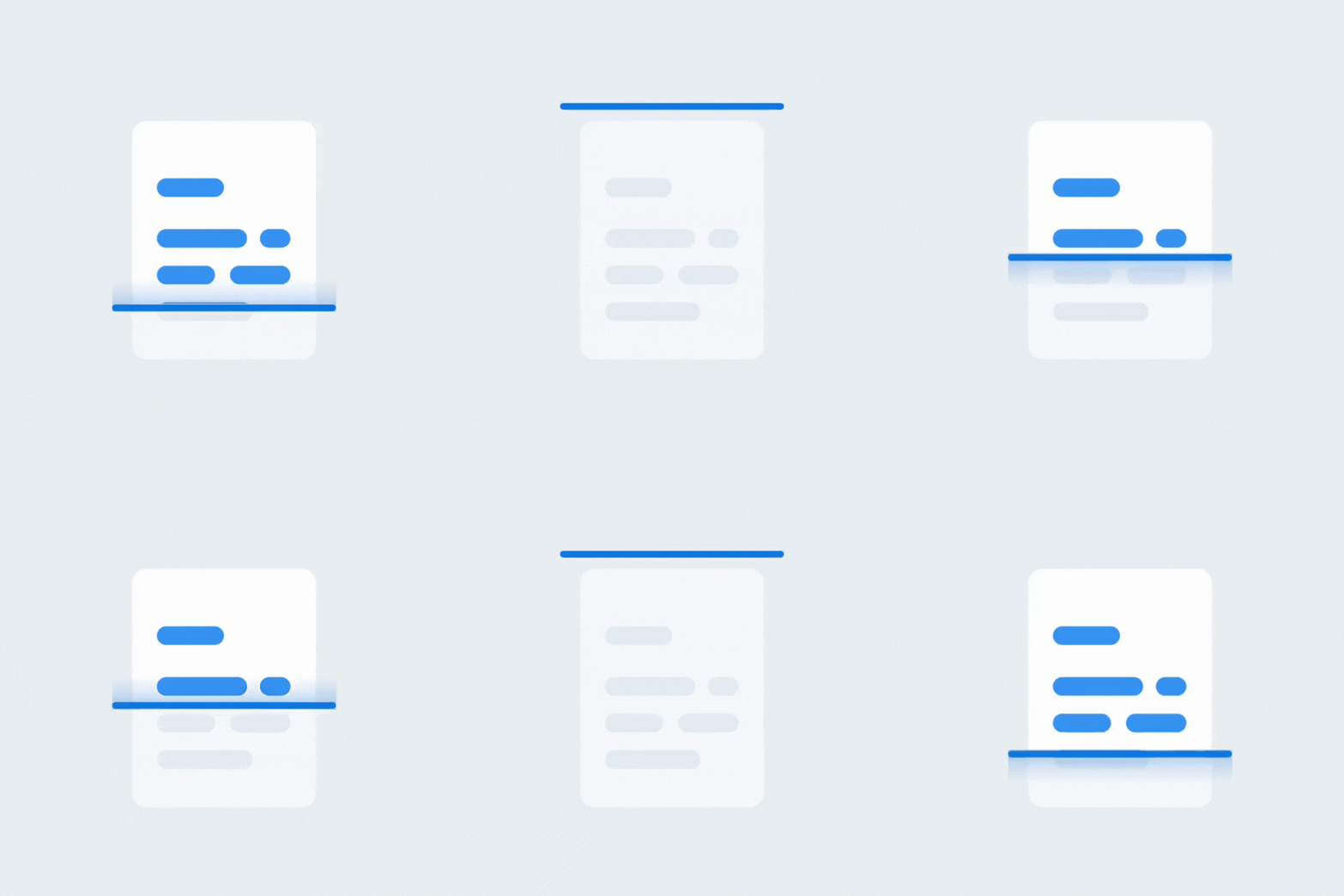
Upload New Version
Upload updated document file.
Auto Versioning
System creates a new version automatically.
View History
Check previous versions and change details.
Restore Version
Restore older version if required.
Feature Highlights
Powerful capabilities designed to streamline your business processes
Automatic Versioning
Versions are created automatically on updates.
Change Visibility
See what changed and when.
Role Based Editing
Control who can update documents.
Restore Access
Revert to previous document versions.
Secure Updates
Ensure safe document updates.
Smooth Handling
Manage versions without delays.
Use Cases
See how different industries leverage this feature to drive success
Service Businesses
Track contract and proposal updates.
Manufacturing
Maintain updated manuals and SOPs.
Retail
Manage pricing and supplier document changes.
Corporate Offices
Control policy and HR document versions.
Related Solutions
Discover solutions that include this feature and more

It tracks changes made to documents over time.
Yes, new versions are created on updates.
Yes, previous versions can be restored.
Only users with edit permissions.
Yes, complete history is available.
Yes, older versions are preserved.
Yes, change logs are maintained.
Yes, version history supports audits.
No, it is simple to use.
No, versioning is optimized.
Ready to Get Started with Document Version Control?
Contact us today to learn how this feature can transform your business operations
Get Started Today
Fill out the form and we'll get back to you shortly