
Projects Creation and Overview
Create projects and view a clear overview to manage scope, timelines, and responsibilities effectively.


Why Choose Projects Creation and Overview?
Discover the key advantages that make this feature essential for your business operations.
Easy Project Setup
Create projects with basic details quickly.
Central Overview
View project status and key details at a glance.
Team Alignment
Assign teams and responsibilities clearly.
Better Tracking
Monitor progress using project overview.
How It Works
Get started in four simple steps and transform your business operations
Create Project
Add project name, client, and timeline.
Assign Team
Select team members and roles.
Define Scope
Set tasks, milestones, and goals.
Track Progress
Monitor updates from the overview.
Feature Highlights
Powerful capabilities designed to streamline your business processes
Project Templates
Use templates for faster project setup.
Overview Dashboard
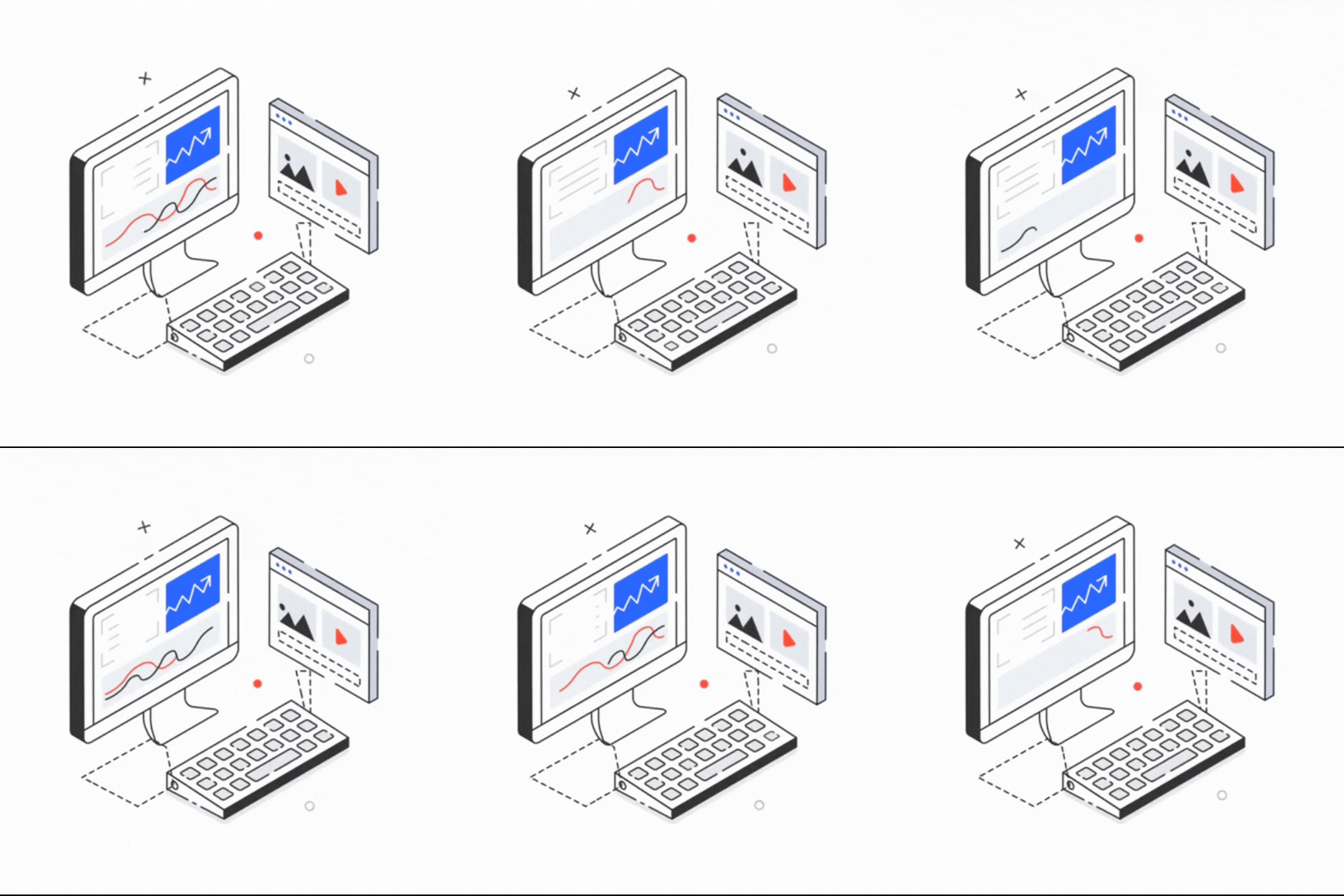
See timelines, tasks, and status together.
Team Assignment
Assign roles and responsibilities easily.
Timeline View
Plan start and end dates clearly.
Easy Updates
Update project details anytime.
Access Control
Restrict project access by role.
Use Cases
See how different industries leverage this feature to drive success
IT Services
Manage client projects with timelines.
Marketing Agencies
Track campaigns and deliverables.
Manufacturing
Plan production or internal projects.
Corporate Offices
Coordinate internal initiatives.
Related Solutions
Discover solutions that include this feature and more
It allows starting a project with key details.
Yes, projects can be client linked.
Yes, team members can be assigned.
Yes, details can be edited anytime.
Yes, overview shows current status.
Yes, dates can be adjusted.
Yes, access follows permissions.
Yes, it improves project clarity.
No, project setup is simple.
Yes, manage many projects together.
Ready to Get Started with Projects Creation and Overview?
Contact us today to learn how this feature can transform your business operations
Get Started Today
Fill out the form and we'll get back to you shortly